


SMEs & leadership
You want to fix a recurring bottleneck without replacing your whole software stack.
AI agency in Vienna
As an AI automation agency, we take repetitive office work off your team: matching lists, pulling data from documents, passing information between tools. We connect your existing software and use AI only where content has to be recognised or classified.
You talk directly to the senior developers who build your project.
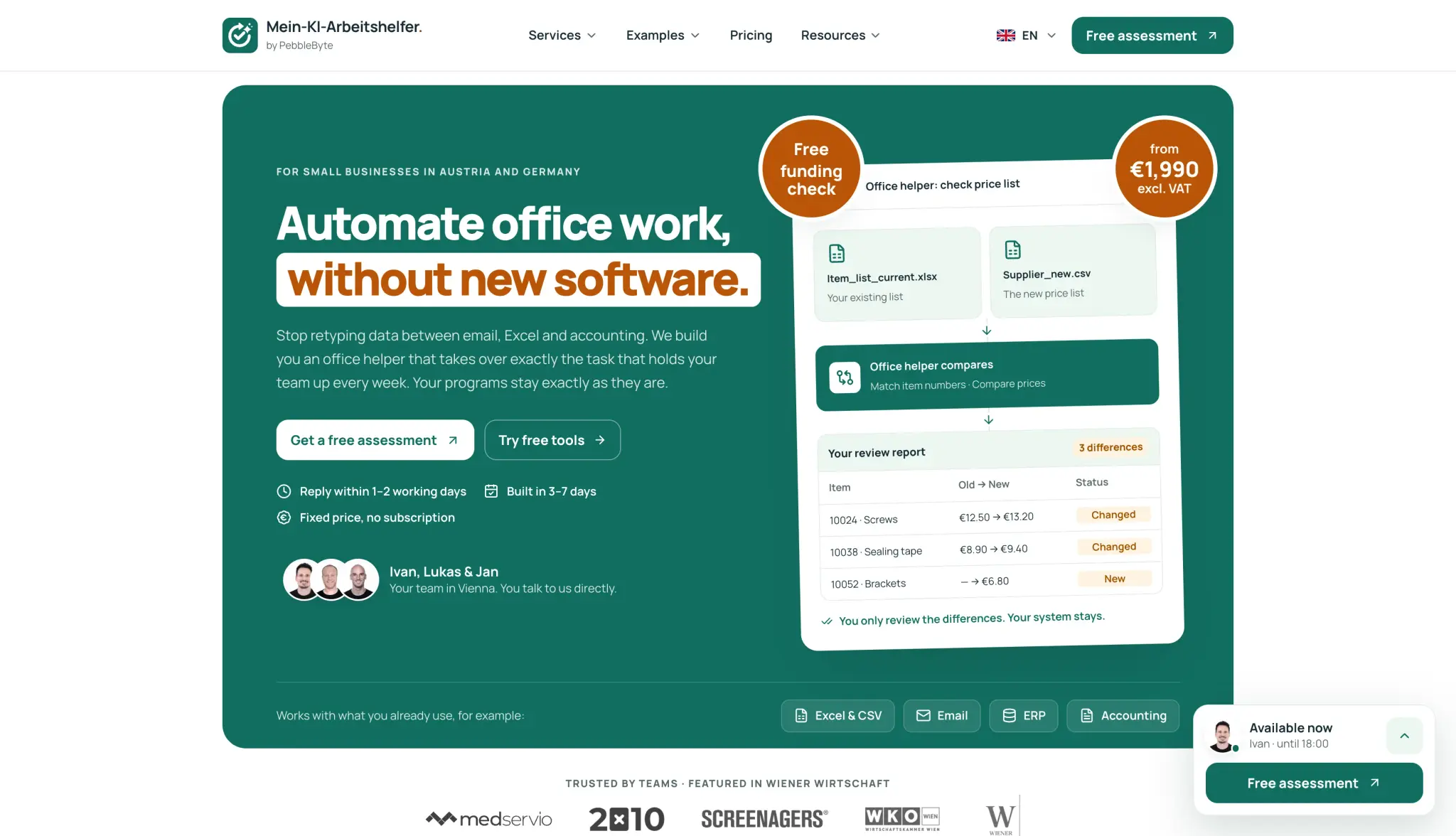
 Mein-KI-ArbeitshelferPrice check
›Compare new supplier prices
At a glance
Client voice
PebbleByte built an internal tool for us that seamlessly integrates into our workflows and those of our customers. Well thought out, stable, and truly helpful in daily use.
 Philipp G.Medservio
Typical tasks
First we check whether fixed rules or an integration are enough. AI comes in where it reliably helps.
Match item numbers, flag price changes, prepare differences between Excel and CSV files.
Read data from invoices and other documents and structure it for review or further processing.
Classify recurring requests, extract the relevant details and prepare them for handling.
Move data between existing applications and kill duplicate data entry.
Collect data from defined sources and compile it into an agreed report.
Missing data and unclear matches go to your team before they slip through unchecked.
Who it’s for
Does the same data keep moving between inbox, spreadsheets and business software? Worth a closer look.
You want to fix a recurring bottleneck without replacing your whole software stack.
You transfer data, reconcile lists or prepare documents for other systems.
You need an integration with clear permissions, error handling and ownership.
Process
We start small, measure the benefit and only then scale.
Inputs, tools, frequency and desired outcome, plus data quality, integrations and effort.
Define rules, exceptions, access and sign-off by your team.
Implement one scoped workflow and test it with agreed examples.
Review results together, document the workflow, agree on monitoring and changes.
Examples
Our own AI work assistant and software that runs operations every day.
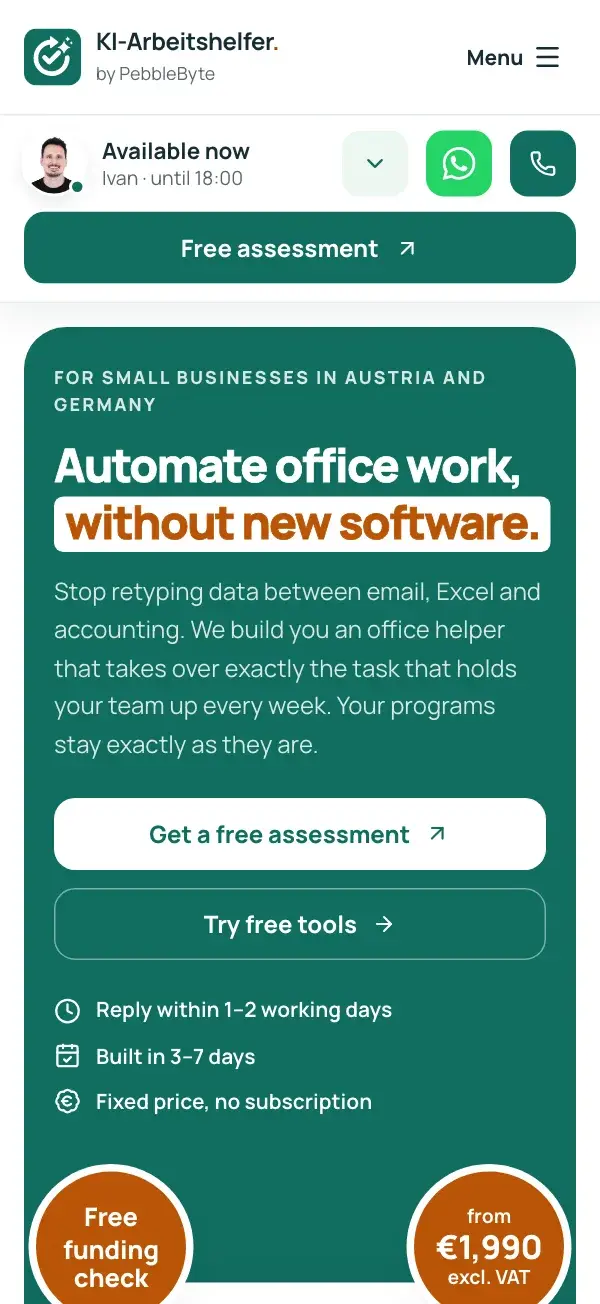
All projectsMein-KI-ArbeitshelferMein-KI-ArbeitshelferA helper for repetitive office work: compare data, process documents and connect existing applications.
Explore the product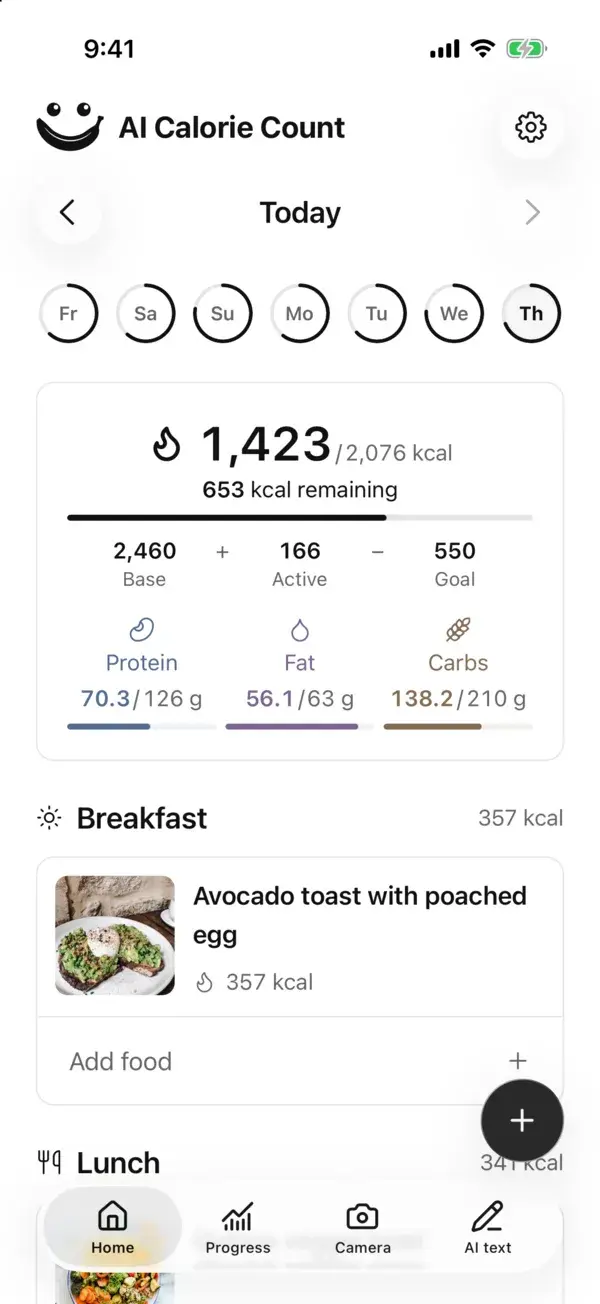
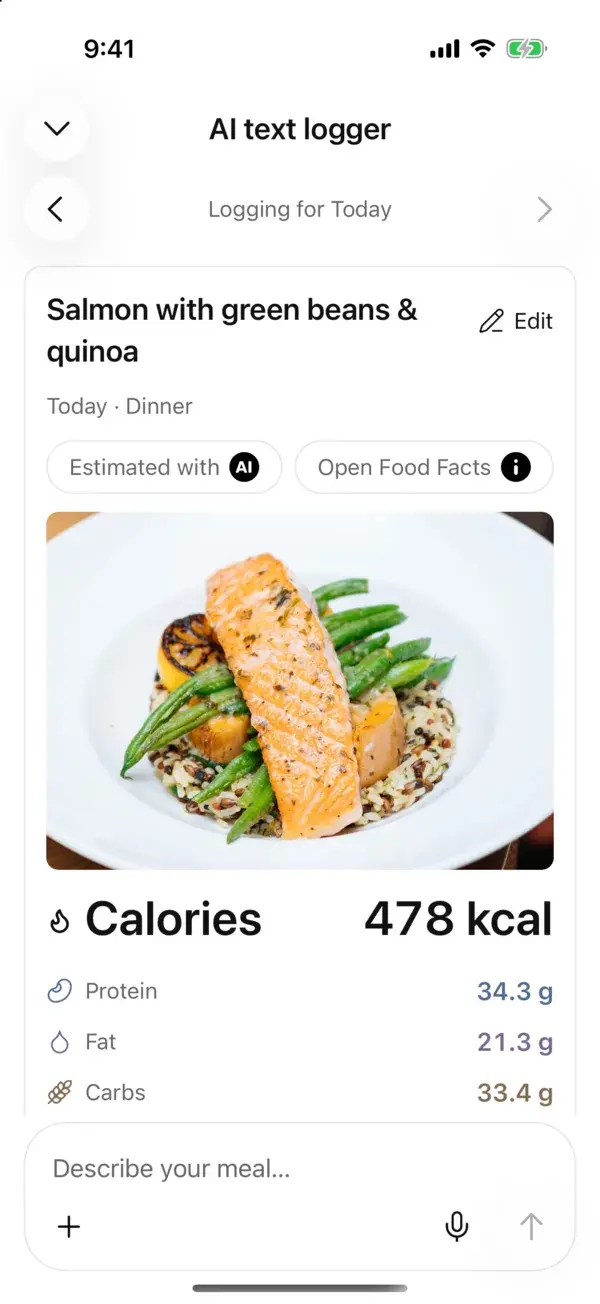
 AI Calorie Counter
Snap a photo of your meal, get calories and macros estimated, log it in your diary.
Explore the project Custom software
An occupational healthcare platform with workflows for registration, organisation and participation.
Explore the projectGet started
Step one: a clear assessment of value, data and technical dependencies.
You want to assess a recurring task and compare possible approaches.
One concrete use case with defined inputs and a verifiable result.
A proven workflow, reliably embedded in your operations.
FAQ
What you want to know about AI automation.
Tasks that repeat regularly, rely on accessible data and have a clearly describable result. Typical: list reconciliation, extracting document data, moving information between tools.
No. Fixed rules and integrations cover many tasks. AI makes sense when free text or differently structured documents need to be recognised and classified.
It depends on data sources, integrations, review needs and operations. We scope the use case before quoting. For small, well-defined tasks there is our product Mein-KI-Arbeitshelfer.
Checks and handling for unclear results are planned in. For each workflow we define what runs automatically and when a human decides.
We clarify data types, access, providers and storage locations before building, and check with you which processing is permitted for the specific use case.
Yes. In our AI workshops your team works on real tasks, including AI literacy under the EU AI Act.